

Venturu / Brand & pressBrand &
Brand &
press.
Official logos, social covers, company descriptions and press assets.

Official identity
Logos
Use SVG for design and print. Use PNG for slides, documents and social posts.







Clear space and minimum size
Leave at least half the symbol’s height clear on every side. Minimum widths: 120px for the wordmark and 24px for the symbol.
Use the supplied files
Use the wordmark for introductions and the symbol for avatars or small spaces. Choose the correct light or dark version. Keep its proportions, lettering and colours.

Presentation and campaign asset
Storefront artwork
Use this render for covers, slides and campaigns. Use the flat logo above for navigation, small placements and partner logos.
Transparent PNG · 2400 × 2400 px · Editable GLB
Copy and paste
Company copy
Ready-to-use descriptions for social profiles, partner pages and articles.
The AI company that runs small business sales. Worldwide.
The AI company that runs small business sales. Worldwide. Agents find sellers and run the work. People stay in command.
119 charactersAI agents for finding sellers and running small business sales. Worldwide.
Venturu combines an AI transaction team, a business marketplace and an operating system for finding, preparing and selling small businesses.
Venturu is the AI company that runs small business sales. Worldwide. Its marketplace and operating system connect seller origination, business preparation, buyer discovery and transaction coordination. Venturu AI carries out the work across the process, while brokers and business owners retain control over material decisions. Venturu serves brokers, business owners and buyers.
Media resources
Press
Founder biographies, portraits and contact details for interview requests.
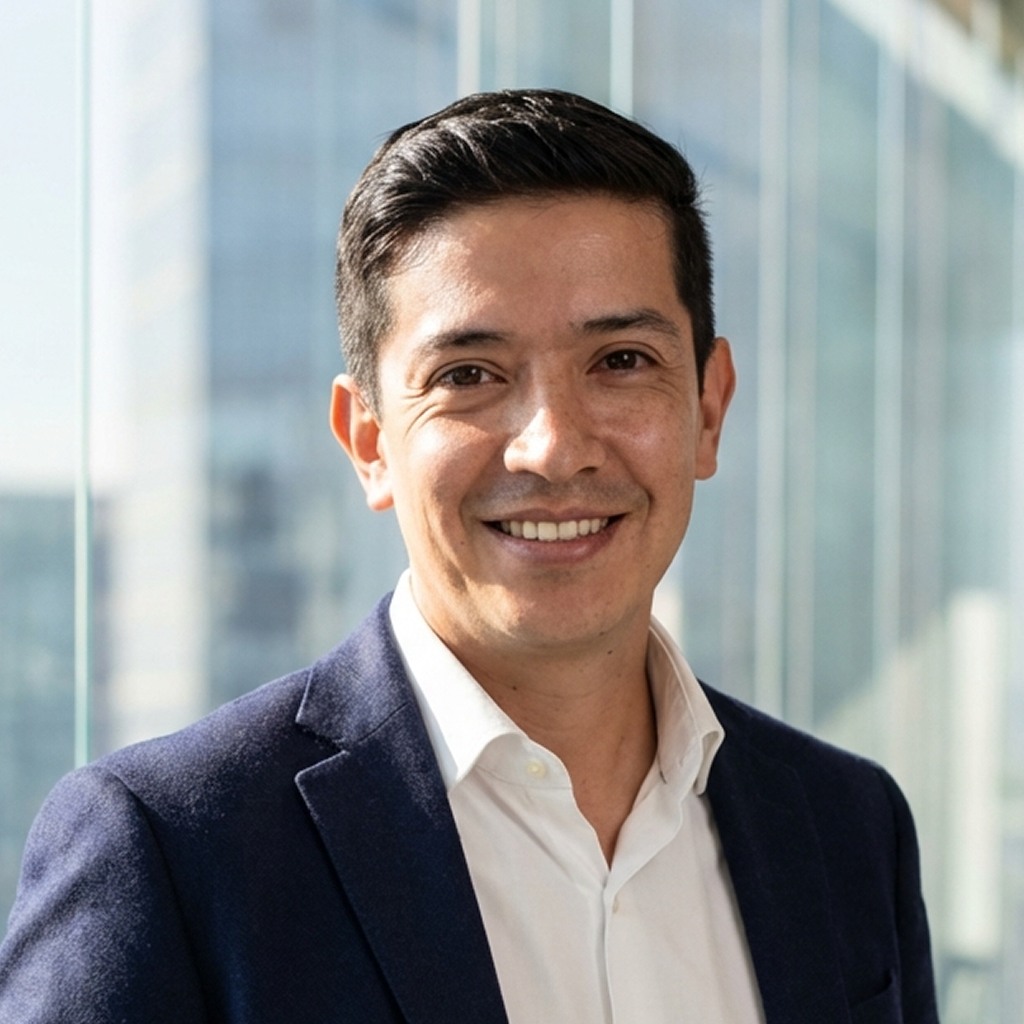
Co-founder & CEO
Luis Merchan
Luis Merchan is co-founder and CEO of Venturu. He brings public-company leadership and acquisition experience, following his role as CEO and chairman of Flora Growth.
Background ↗
Co-founder & CTO
Joel Hernández
Joel Hernández is co-founder and CTO of Venturu. He leads product and engineering, and previously built and sold Peekalink.
Background ↗For company background, interviews or a specific asset, get in touch. For product support, visit our help centre ↗.
Colour guidelines
Colours
Use these colours for Venturu materials. Choose text and backgrounds from the approved pairings below.
Deep forest
Dark backgrounds and deep ink
Venturu green
Signature accent and signals
Mint
Highlights and actions on forest
Paper
Warm light surfaces
Pine
Depth and atmospheric washes
Use paper or mint text on forest. Use forest text on green, mint and paper. Check contrast when combining colours.
CSS colour tokensLight and dark colour pairings
Light and dark backgrounds
Use forest text on light backgrounds and paper or mint text on forest.
Example headline
White and paper surfaces. Forest type. Deep green emphasis.
Example button- Canvas
- #FFFFFF
- Main type
- #080E0B
- Emphasis
- #12643B
- Supporting type
- #52645A
- Action
- #153525
- Action text
- #FFFFFF
Example headline
Forest surfaces. Paper type. Mint catches the light.
Example button- Canvas
- #080E0B
- Main type
- #F3F5EF
- Emphasis
- #B8F6CB
- Supporting type
- #A9BFB0
- Action
- #B8F6CB
- Action text
- #080E0B
Type guidelines
Fonts
Business
sales.
Headlines and large figures. Use Medium (500) for headings and Regular (400) for long display statements.
Aa Bb Cc Dd
0123456789
Body copy, UI labels and data. Use Regular (400) for text, Medium (500) for emphasis and tabular figures for aligned numbers.
Covers and presentations
Artwork
Transparent images for Venturu announcements, presentations and editorial coverage.

For worldwide company announcements, presentation covers and editorial features.
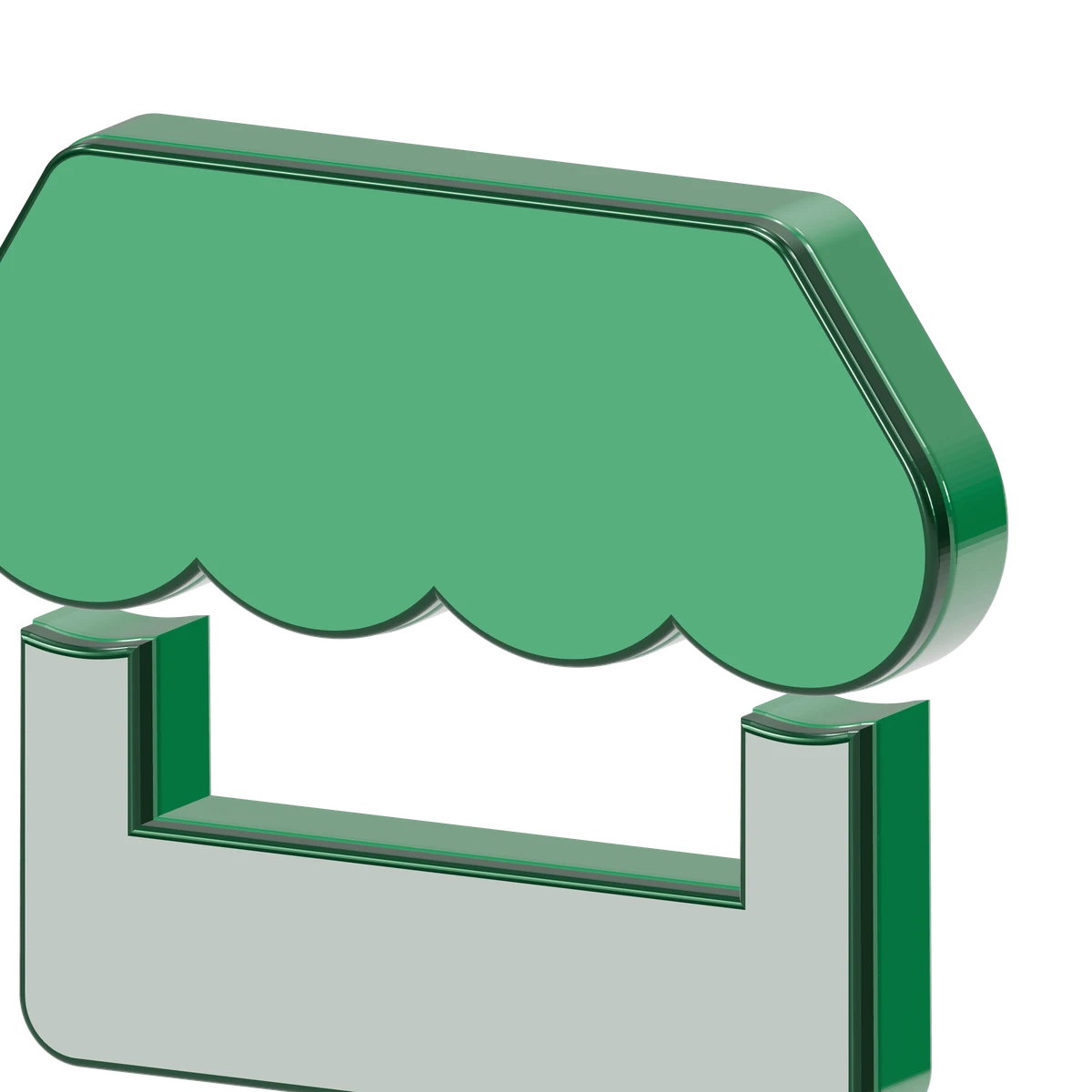
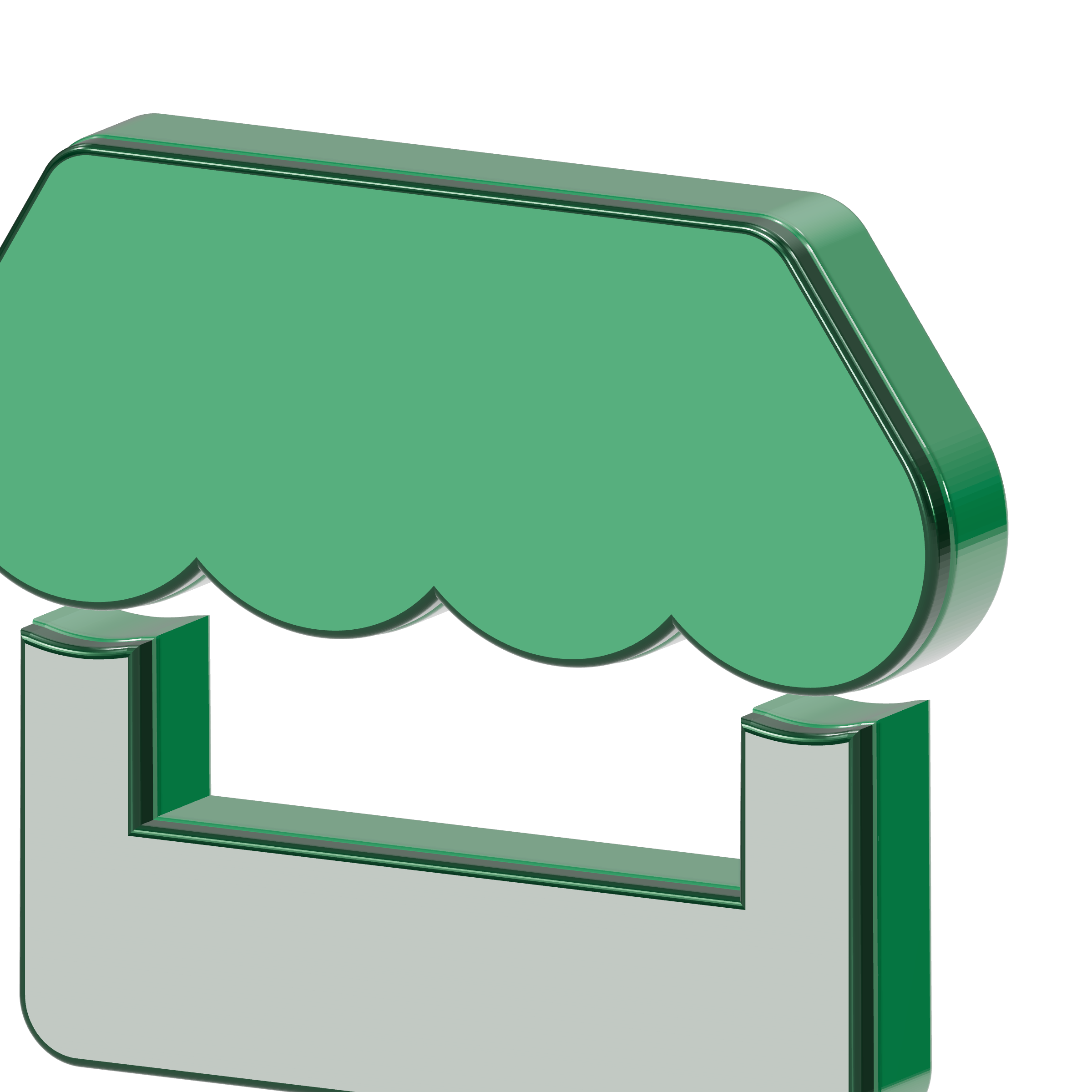
A close-up image for presentation backgrounds and cropped campaign artwork.
Artwork usage guidelines
Use one focal point
Choose the storefront or globe as the main object. Leave clear space for the headline and logo.
Keep text readable
Use transparent renders on paper or forest backgrounds. Keep text clear of reflections and detailed edges.
Make the still frame complete
Every export must show the full message without animation. Respect reduced motion in web versions.
Do not stretch or recolour the logo, place text over busy reflections, or combine several competing hero objects.
Social covers
Choose a platform and appearance, then download the correctly sized PNG.
X
1,500 × 500 px · PNGKeep the lower-left area clear of the profile picture.
Profile photos and platform crops can overlap artwork. Check the placement before saving.
Platform guidance ↗